Booking & CRM System
A booking and CRM platform built for teams that need reservations, payments, and follow-up in one place.
Explore case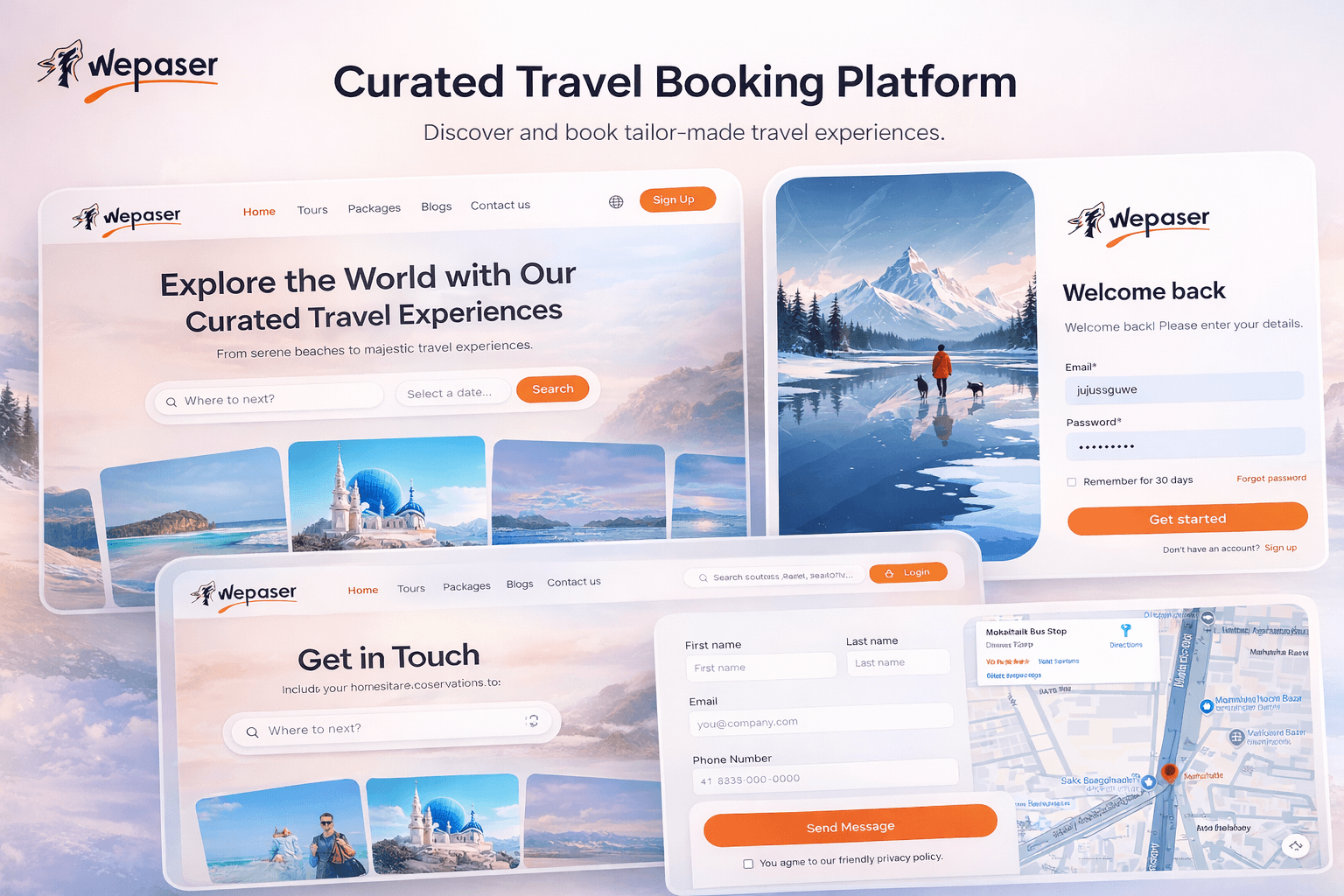
Case study
Custom booking and CRM
4.3 · 41 reviews
The challenge
The business was running bookings, supplier payouts, and customer communication across disconnected tools. Status lived in spreadsheets, payments were tracked by hand, and confirmations depended on someone remembering to send them.
They needed a single system with role-based access, live reservation status, partial payments and commissions, supplier records, reporting, and a CMS with basic SEO — designed to support scalable operations and centralized business control.
The solution
Step 01
Model the operation first
Mapped booking states, roles, suppliers, pickup points, and commission rules before writing screens so the CRM matched how the team actually works.
Step 02
Build the booking core
Shipped real-time reservations, status management, and payment flows that handle partial payments and commissions without a separate back-office process.
Step 03
Automate the follow-through
Wired email and WhatsApp notifications, reporting dashboards, CMS pages, and Google Maps for pickup and meeting-point management so ops does not chase every update by hand.
System design
Role-based access sits in front of reservations, payments, and CMS. Notifications fire from booking state changes rather than from a separate marketing tool.
React web app — Booking, CRM, CMS
API + automations — Email and WhatsApp
MongoDB — Bookings and ledgers
Google Maps API — Pickup and meeting points
- React web app
- API + automations
- MongoDB
- Google Maps API
The website
Reservations, CRM, and reporting in one web app
Reservations, status, and customer records live in a single CRM instead of chats and spreadsheets.
Partial payments, commissions, and supplier management sit next to the booking they belong to.
Automated confirmations, dashboards, and Maps-backed pickup points keep control centralized as volume grows.
Test cases
Model the operation first
Steps
- Mapped booking states, roles, suppliers, pickup points, and commission rules before writing screens so the CRM matched how the team actually works.
Expected
Behaviour matches the approach described above in production.
Build the booking core
Steps
- Shipped real-time reservations, status management, and payment flows that handle partial payments and commissions without a separate back-office process.
Expected
Behaviour matches the approach described above in production.
Automate the follow-through
Steps
- Wired email and WhatsApp notifications, reporting dashboards, CMS pages, and Google Maps for pickup and meeting-point management so ops does not chase every update by hand.
Expected
Behaviour matches the approach described above in production.