Skoocode
A local coding agent for people who want Codex-style help without leaving the repo on their machine.
Explore case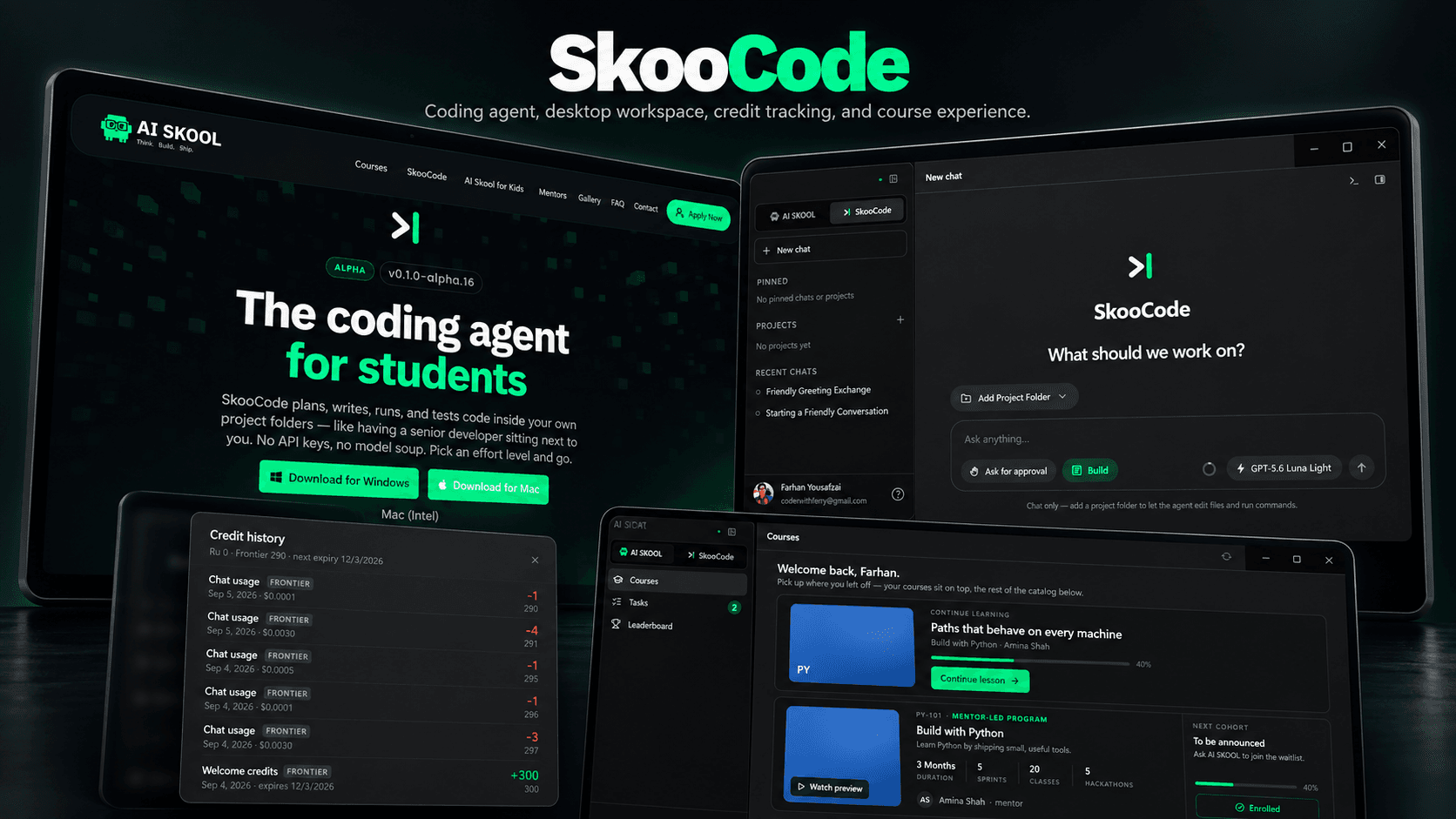
Case study
Skoocode desktop agent
4.4 · 29 reviews
The challenge
Most AI coding tools live in the browser or a remote sandbox. Developers who want an agent that can see the real workspace, edit files, and run commands still end up tab-switching between chat, the editor, and the terminal.
Skoocode is a desktop tool built in that Codex-shaped gap: a single window for prompting, reading the repo, applying edits, and watching command output — with the project staying on disk.
The solution
Step 01
Treat the repo as the source of truth
The agent reads the local workspace first. Context is the files in front of you, not a pasted snippet and a guess.
Step 02
Put chat, diffs, and the terminal together
Prompts, proposed edits, and command output share one desktop shell so the loop is ask, inspect, apply, run — without exporting the project to a cloud IDE.
Step 03
Keep the operator in control
Edits and shell use are explicit. The product is an agent you supervise, not a black box that rewrites the tree overnight.
System design
The agent talks to the local filesystem and a terminal session. Model calls stay behind the runtime; the project never has to be uploaded to use the tool.
Desktop shell — Chat, files, terminal
Agent runtime — Tools and context
Local workspace — Repo on disk
- Desktop shell
- Agent runtime
- Local workspace
The website
Chat, files, and terminal in one desktop shell
Prompt, edit, and run in one desktop surface while the repo stays on the machine.
File context and command output come from disk, not from a remote copy of the project.
Edits and terminal use are visible steps, so the agent assists without silently rewriting the tree.
Test cases
Treat the repo as the source of truth
Steps
- The agent reads the local workspace first. Context is the files in front of you, not a pasted snippet and a guess.
Expected
Behaviour matches the approach described above in production.
Put chat, diffs, and the terminal together
Steps
- Prompts, proposed edits, and command output share one desktop shell so the loop is ask, inspect, apply, run — without exporting the project to a cloud IDE.
Expected
Behaviour matches the approach described above in production.
Keep the operator in control
Steps
- Edits and shell use are explicit. The product is an agent you supervise, not a black box that rewrites the tree overnight.
Expected
Behaviour matches the approach described above in production.